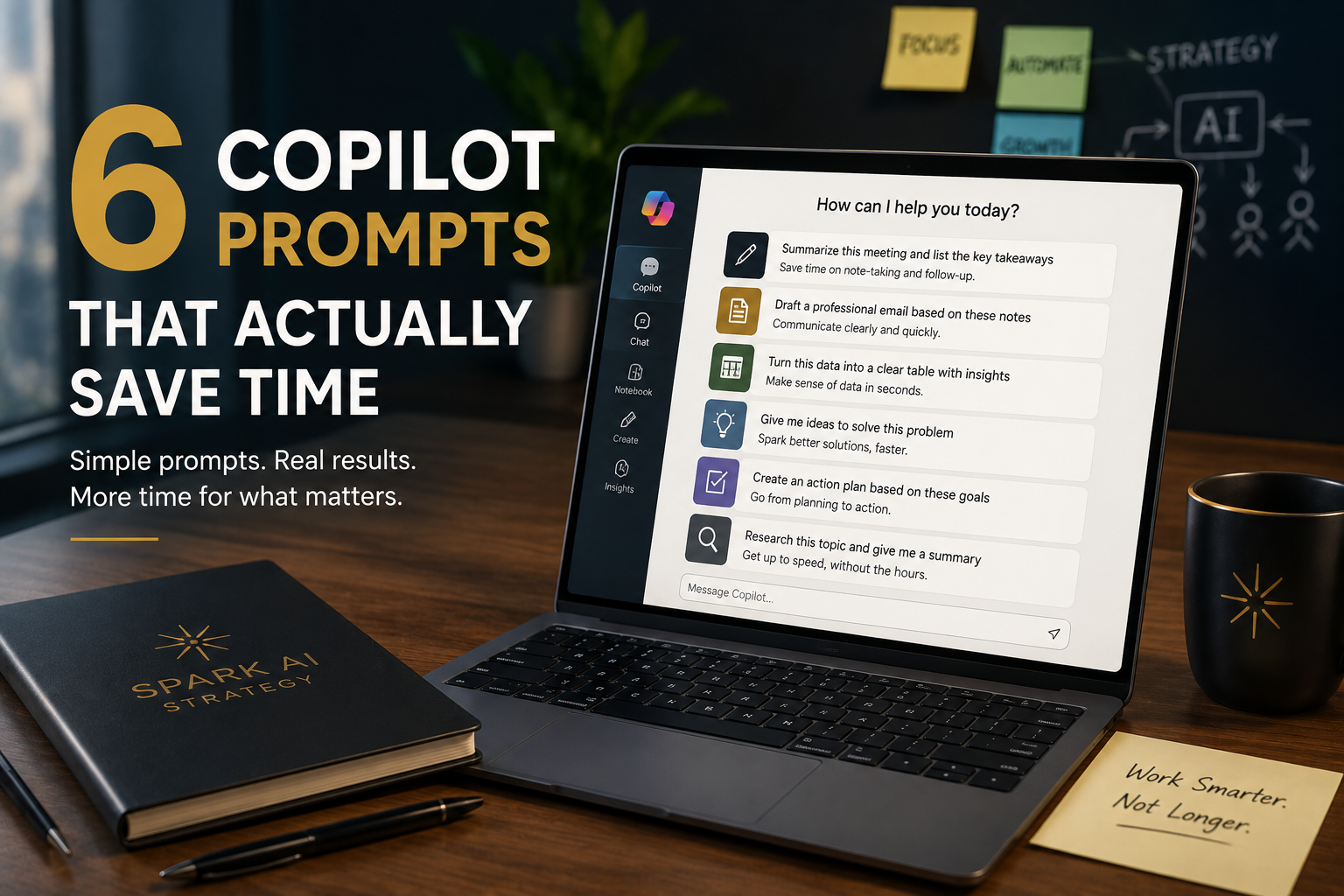
Most people learn one Copilot prompt, use it for a week, and stop. That's not a Copilot problem — it's an adoption problem, and it's the exact gap we built the AI Adoption Gap framework to explain. Here are six prompts that go past "summarize this," organized by the everyday work that actually eats your time.
1. Inbox triage
PROMPT 01Clearing a backlog in under 5 minutes
"Look at my last 20 unread emails. Group them into: needs a reply today, can wait until Friday, and no action needed. For the 'needs a reply today' group, draft a one-sentence response for each."
This turns a 20-minute scroll-and-panic session into a sorted list with drafts already waiting. You're still the one deciding what gets sent — Copilot just did the sorting.
2. Document summarization with a decision built in
PROMPT 02Reading a proposal, contract, or long report fast
"Summarize this document in three sections: What it's asking for, What's at risk if we say no, and What I need to decide by [date]. Under 200 words total."
Generic summaries give you information. This one gives you a decision. The difference is the structure — you're not asking Copilot to shorten the document, you're asking it to answer the three questions you'd actually ask a colleague who read it for you.
3. Spotting what changed, not just what's there
PROMPT 03Monthly numbers, dashboards, spreadsheets
"Look at this spreadsheet. Tell me the three biggest changes since last month, in plain language — just what changed and why it might matter. No formulas, no jargon."
Most people ask AI to "analyze" data and get back a wall of description. Asking specifically for what changed forces it to compare, not just summarize — which is almost always the question you actually had.
4. The weekly status rollup
PROMPT 04Turning scattered updates into one report
"Turn these five Teams threads into a single weekly update for my manager: what shipped, what's blocked, and what I need from them. Keep it to 5 bullet points."
Paste in the raw threads. The output is a status update you'd actually be comfortable sending — not a transcript, a synthesis.
5. The devil's advocate check
PROMPT 05Pressure-testing before you hit send
"Before I send this proposal, argue against it. What's the strongest objection a skeptical client would raise? Then help me write one sentence that addresses it head-on."
This is the prompt most people never think to write, and it's often the highest-value one. It's not asking AI to help you sound good — it's asking it to find the hole before your client does.
6. The meeting recap (the one you already know)
PROMPT 06The starting point — covered on MindActive this week
"Summarize this meeting transcript into: 1) Key decisions 2) Action items with owners 3) Open questions. Keep it under 150 words."
If you've already got this one from MindActive's post, good — that's the on-ramp. These other five are what "using Copilot well" actually looks like once it's part of how you work, not just a trick you learned once.
Why most people stop at one prompt
This is exactly what stage three of the AI Adoption Gap — Capability — measures. Access and permission are easy to hand out. Capability is different: it's whether people actually know how to get a result worth trusting, past the first obvious use case. Most organizations never train past prompt one. That's not a tooling gap. It's a training gap, and it's the one most companies skip.
AI doesn't replace strategy. It amplifies it. The organizations that win will be the ones who invest in both.
The bottom line
None of these prompts require a new tool, a new budget line, or IT approval. They require someone deciding that "capability" is worth thirty minutes of training, for every person on the team, not just the one who figured it out on their own. That thirty minutes is usually the entire gap between a company that's "using AI" and one that's actually AI-enabled.
Curious where your team actually sits on the AI Adoption Gap?
Take the 10-question Scorecard — get your stage and a straight answer on what to fix first.
Take the AI Adoption Scorecard